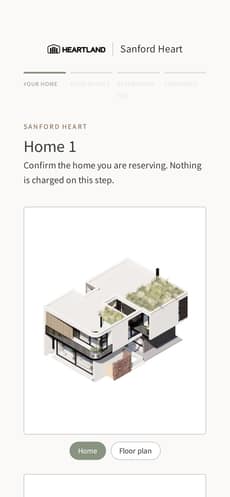
01Your home
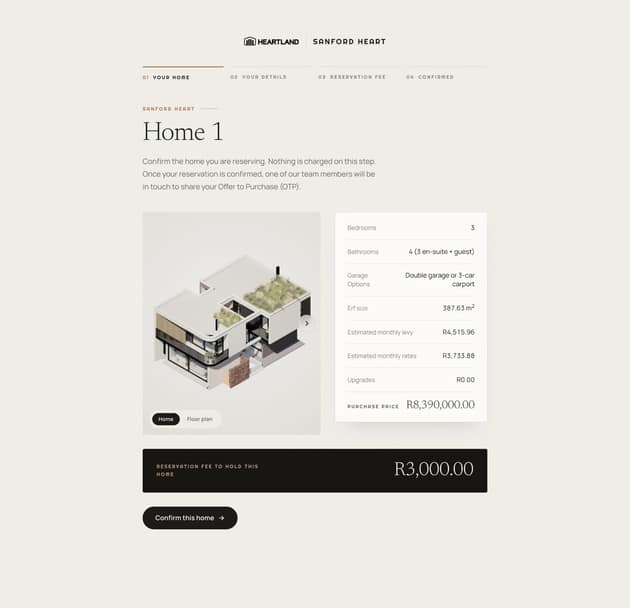
Confirm the home and see the fee.
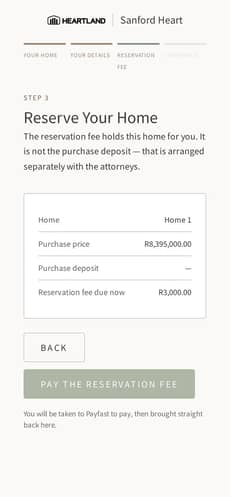
02Reserve
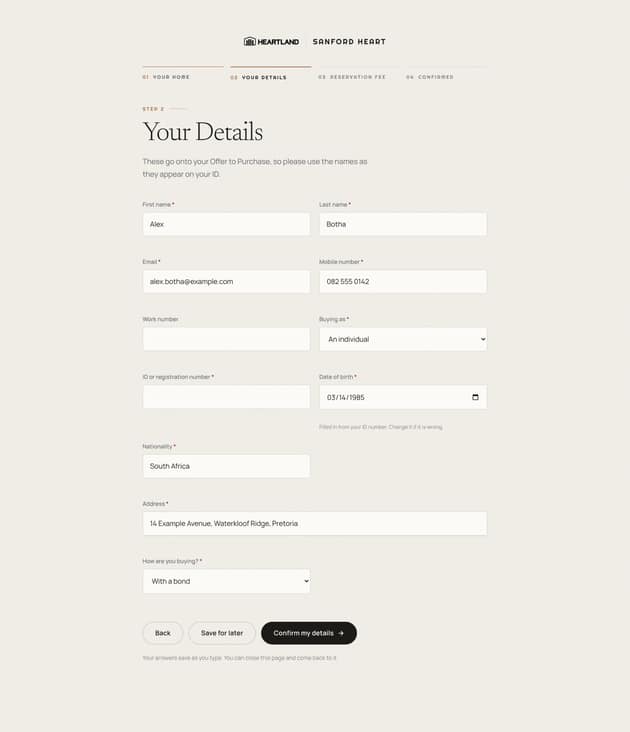
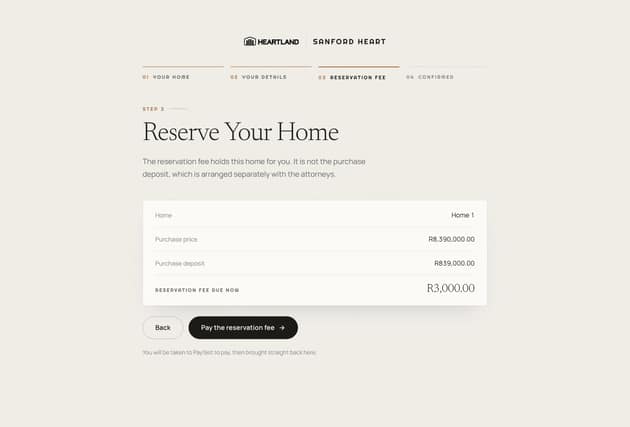
The fee holds the home; the deposit comes later.
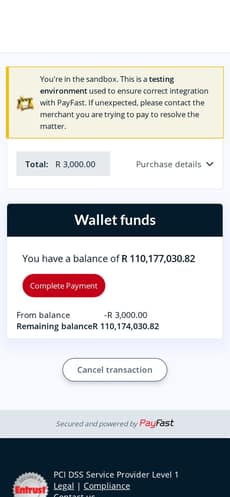
03Pay
Payfast, then straight back. (Sandbox shown.)
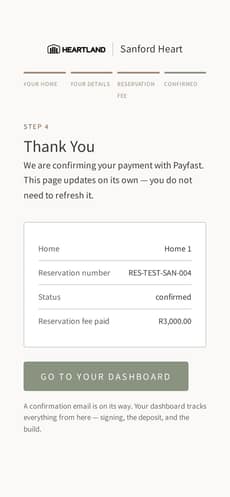
04Confirmed
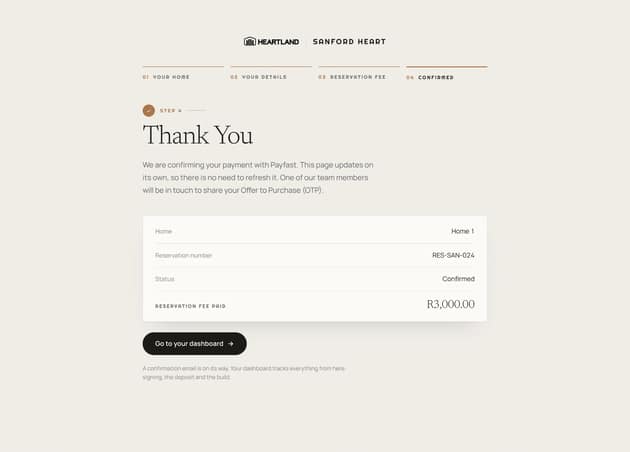
Reference number and a way into the portal.
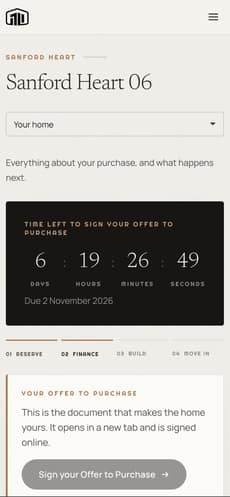
05Owner’s portal
Signing, documents and build progress.
Sanford Heart: seven homes, reserved online.
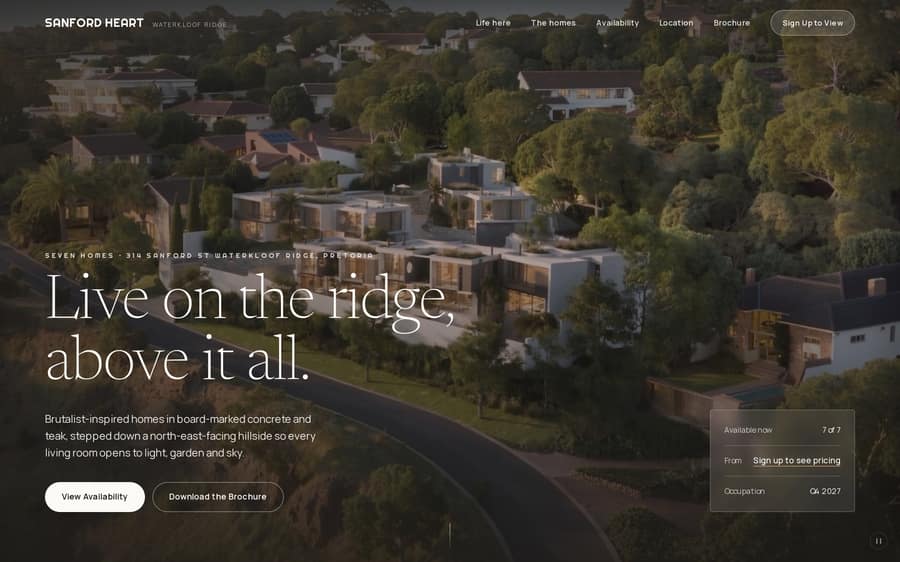
The launch page for seven off-plan homes, built for Heartland. Prices and availability are for registered buyers. A buyer picks a home on the plan, pays a refundable reservation fee online and the home is held for them, then follows the rest of the purchase in their owner’s portal.
- Homes, two house types
- 7
- Prices for registered buyers
- Gated
- Reservation fee via Payfast
- Online
- Signing, documents, progress
- 1 portal

- 01 · The brief
- Seven homes on a ridge, a launch date and a sales team that wanted fewer, better-qualified buyers. Heartland wanted buyers to commit online, without handing the sale to a third-party platform.
- 02 · The system
- Sign up with an email and a six-digit code to see prices. Pick a home on the aerial plan, confirm it, add your details and pay the reservation fee through Payfast. The home is held while you pay, and Xano keeps the reservation, the hold and the payment in one record.
02
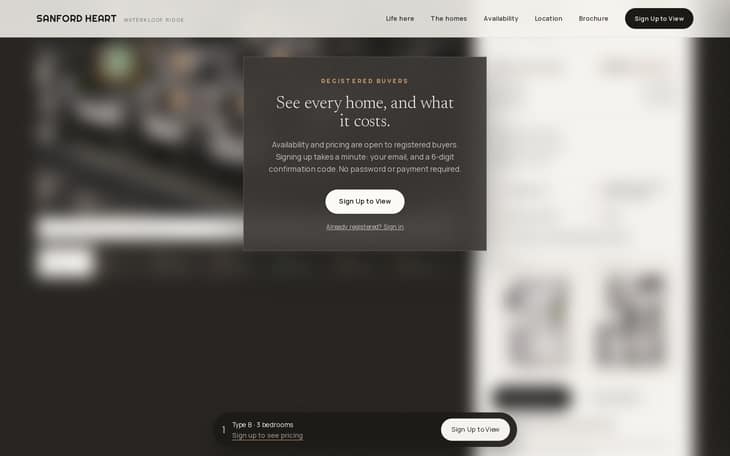
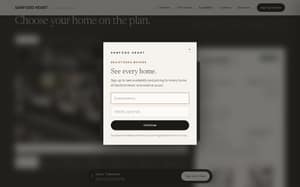
Registered buyersGated, not walled

03
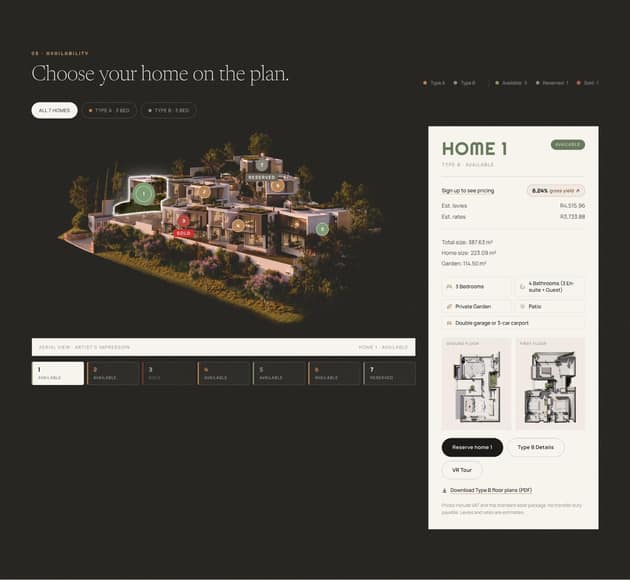
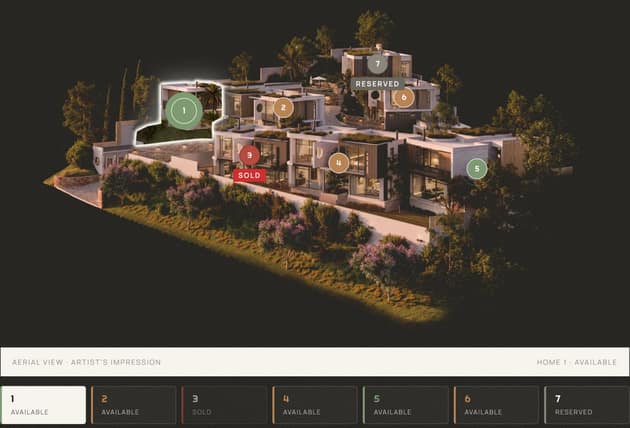
AvailabilityChoose your home on the plan
04
Reserve flowThe reservation, step by step
05
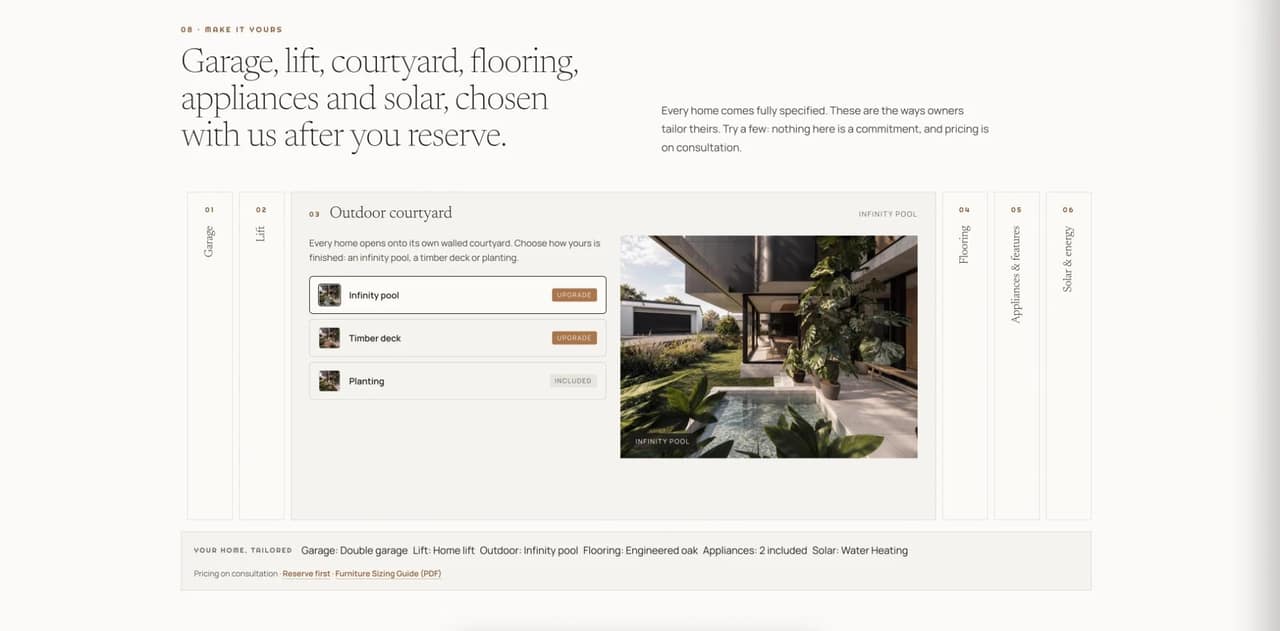
UpgradesMake it yours
06
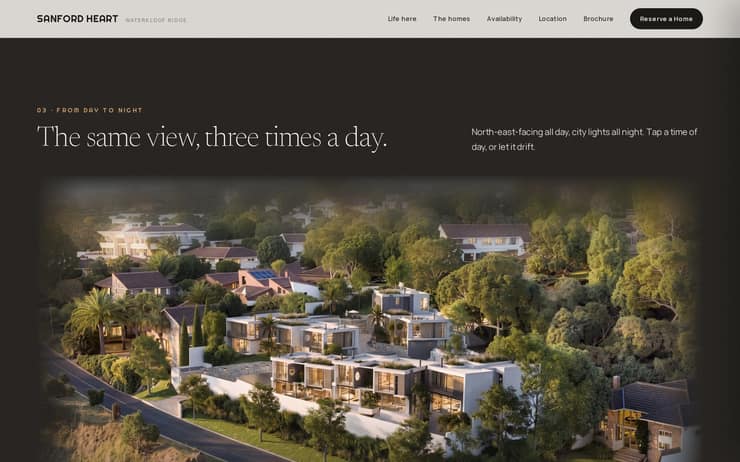
DesignThe page around it
07
SystemUnder the screenshot
- 01 · What buyers see
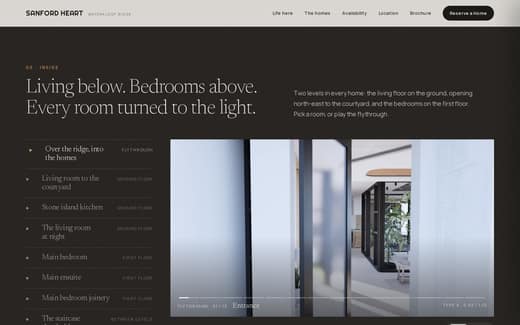
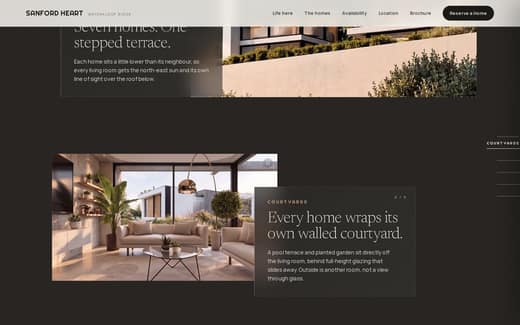
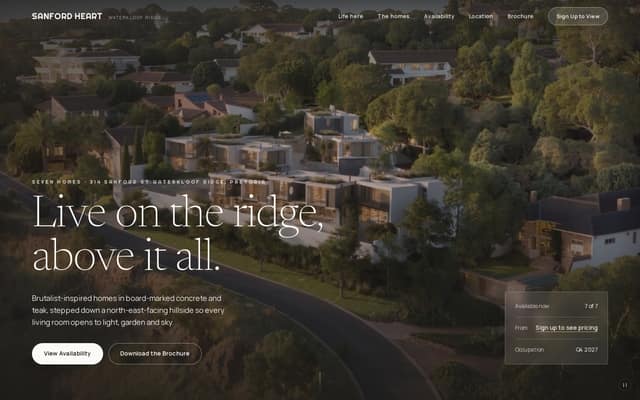
The launch page in Webflow: the aerial plan, the homes and the finance figures, with prices behind a sign-up.
- 02 · The reserve flow
Sign up with an email and a six-digit code, choose a home, add your details and pay the reservation fee through Payfast. The home is held while you pay.
- 03 · The record
Xano keeps the reservation, the hold and the payment in one record, and sets up the owner’s portal.
“Having one person who understands our business and assists us consistently has made a real difference”
Read the full quote
“Daniel at Tov Studio has helped us take Heartland’s system to the next level. Our system allows buyers to reserve a home, pay the reservation fee online and follow their progress through the owner’s portal, and Daniel has helped make that experience more seamless across our developments. Having one person who understands our business and assists us consistently has made a real difference, while building on our own system gives us the flexibility to shape it around our buyers and how we work.”
“Daniel at Tov Studio has helped us take Heartland’s system to the next level. Our system allows buyers to reserve a home, pay the reservation fee online and follow their progress through the owner’s portal, and Daniel has helped make that experience more seamless across our developments. Having one person who understands our business and assists us consistently has made a real difference, while building on our own system gives us the flexibility to shape it around our buyers and how we work.”
 EugeneOwner, Heartland
- Stack
- Webflow · Memberstack
Xano · Payfast
Cloudflare R2 · MapLibre
GTM · GA4 · Clarity - Role
- Design and build, fractional for Heartland